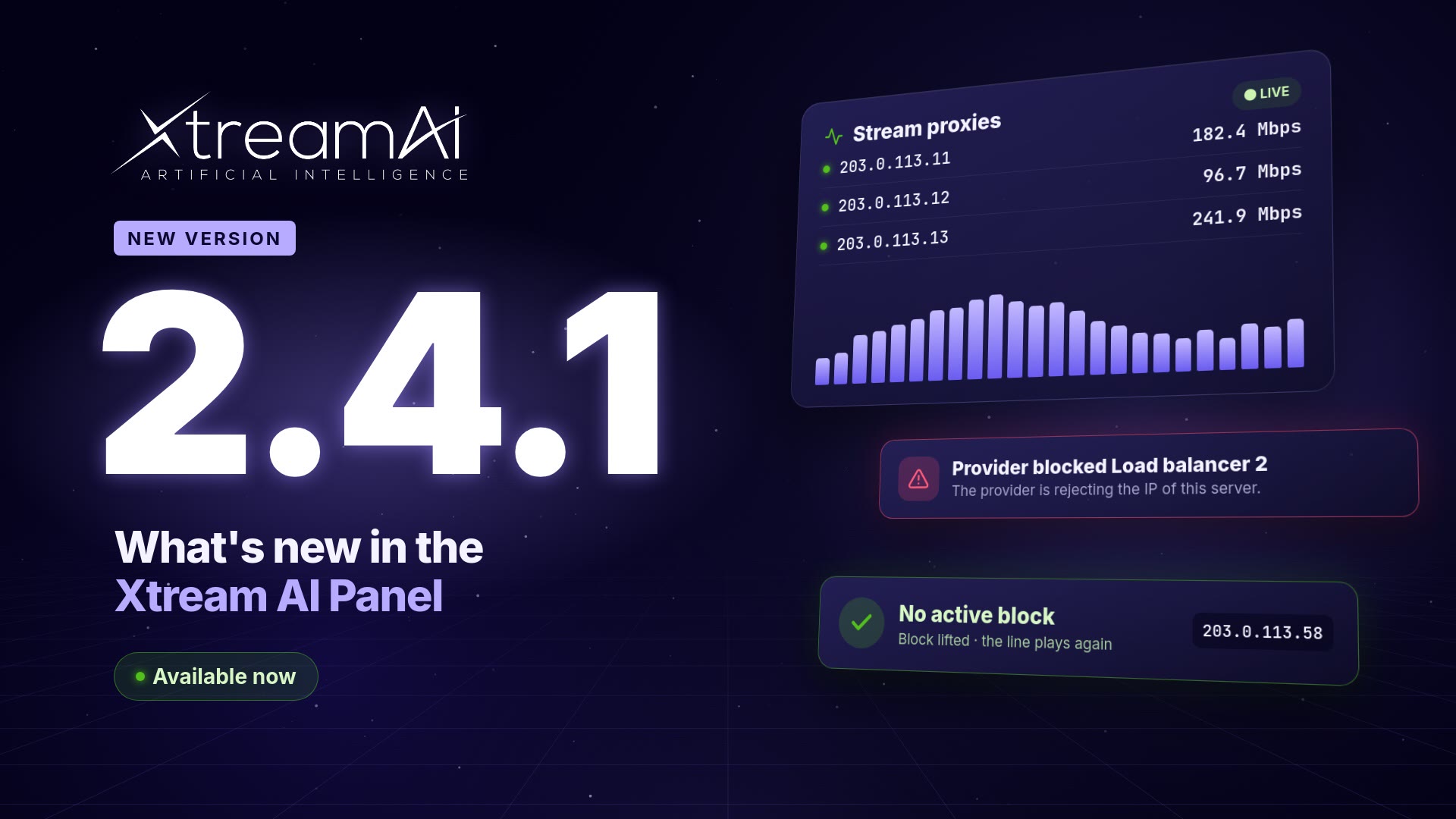
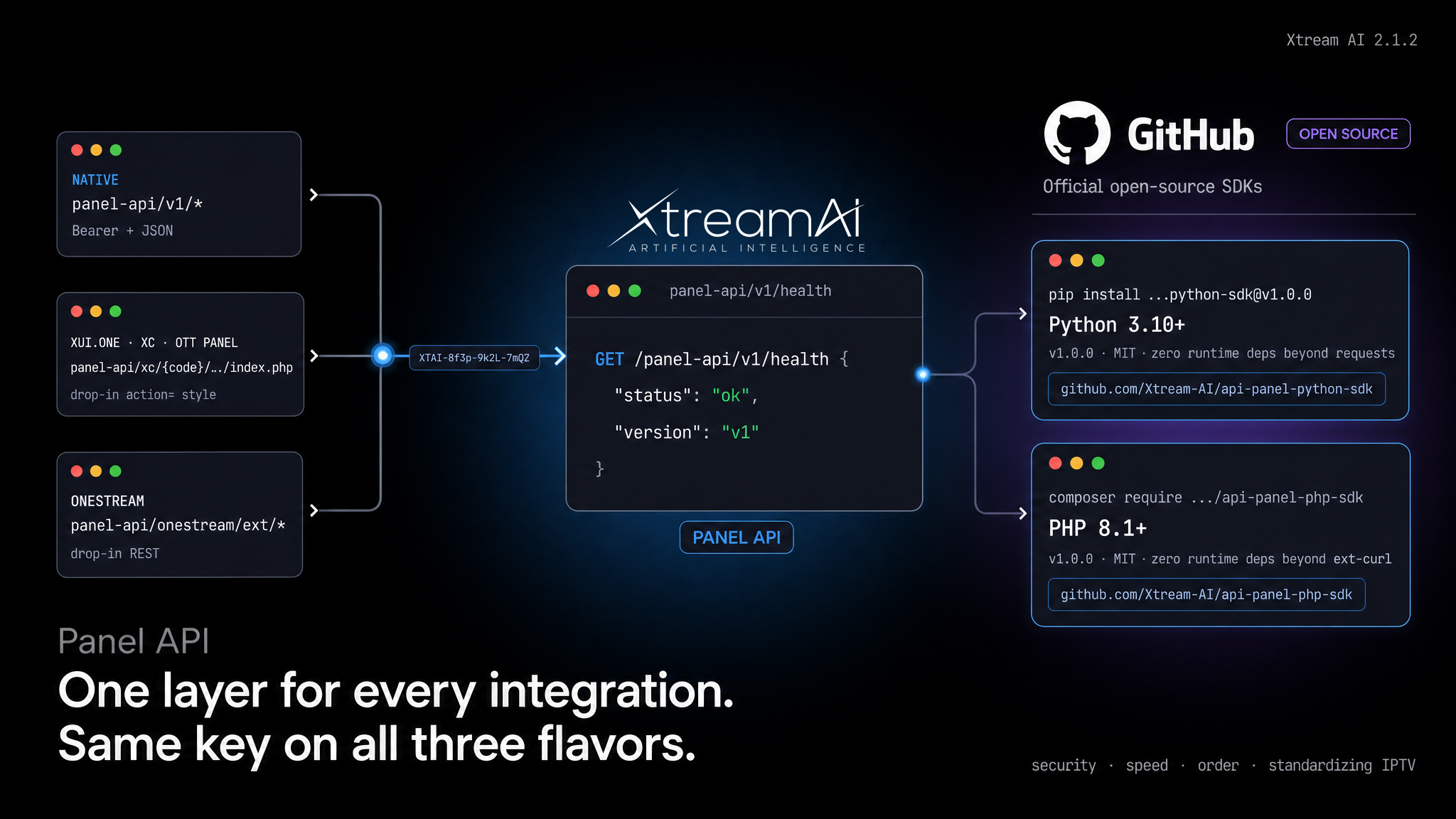
Version: 2.0.0: Copilot AI, Reseller Billing Models, Website Widgets, Stream Providers & Watch Folders
Xtream AI 2.0 is our largest release to date. This version introduces the Copilot AI assistant that lives inside the panel, two flexible reseller billing models, one-click embeddable website widgets, upstream provider mirroring, a built-in anti-abuse protection firewall, automated content ingestion via Watch Folders, and a redesigned reseller experience, all in a single update.
New Features
- The Copilot, Your AI assistant for daily tasks: Ask a question in plain language, and it acts. Copilot is an AI assistant living inside your panel that cross-references data across every reseller, monitors your operation around the clock, and diagnoses streaming issues end-to-end. No switching tabs, no dashboards, no exports.
Three capabilities out of the box:- Query & act: "Which reseller lost the most trials this week?" Copilot cross-references trial data across every reseller, surfaces the one with the worst run, and offers the fix as a single click. No filters, no manual joins.
- Continuous anomaly detection: Copilot watches subscriber lines non-stop. When a single line pops up from five countries in eighteen minutes and none of them is its baseline, it flags the alert and suggests Revoke access & force re-auth before the leak spreads.
- Diagnose & fix: ask why a stream is dropping. Copilot traces the full route, pinpoints the failing relay (with % packet loss and timestamp), and applies the failover to the best available server. From symptom to fix, in seconds.
Everything runs inside the panel. No third-party integrations, no chat window to keep open, no context switching. You will find it via the persistent Copilot icon inside the panel, and it also surfaces proactively when it catches something worth your attention. See it in action in a 53-second showreel at xtreamai.net. - 💲 Reseller Billing, Two Models (Pay Per Use or Users): Every reseller you create can now be assigned to one of two billing models.
- Pay Per Use (Credits) 💵: the reseller receives a credit balance, and each time they sell a subscription to a customer, credits are deducted based on the package cost. When credits run out, they cannot sell more until you top them up.
Example: you give a reseller 50 credits, the "1 Month" package costs 2 credits, so after 25 sales the balance hits zero and they need a top-up. - Users Mode 🛒: the reseller pays for a fixed number of active user slots, valid until a date you choose. Renewals are free. Only new non-trial users consume a slot. When a user expires, the slot is automatically freed and can be reused.
Example: you give a reseller 50 slots until December 31st, they create 50 users and renew them for free; when a user expires the slot frees up and they can create another one.
Both models can coexist in your roster: some resellers on Pay Per Use, others on Users. Sub-resellers inherit the billing model of their parent (a Pay Per Use reseller cannot create Users-mode sub-resellers). - Pay Per Use (Credits) 💵: the reseller receives a credit balance, and each time they sell a subscription to a customer, credits are deducted based on the package cost. When credits run out, they cannot sell more until you top them up.
- 🔄 Stream Providers & Mirrors: Connect any upstream IPTV provider to your panel and keep its channel lineup mirrored into your own catalog: live, one-way, under your brand. Paste a provider's full URL and the fast-path parser fills host, username and password for you; the connection is verified inline before you save. From the provider's page, each of its categories can be linked to one of yours as a mirror.
What happens when upstream drops a channel is now a per-mirror decision:- Keep it: your local copy stays and is flagged as source-offline, waiting for the provider to bring it back. Best for stable lineups (sports, movies).
- Delete it: your local copy is removed with upstream. Best for PPV and daily events where each channel has a one-shot ID.
Each mirror gets its own playback mode (on-demand, on-demand with turbo, always-on live), assignment to bouquets and streaming servers, skip-keyword filters and a refresh interval. Advanced options include a custom User-Agent and Telegram alerts on connection failure.
Once a provider is connected, new streams get smarter too: when the channel you are creating is already available upstream, a single click on As primary on the Sources tab wires the provider URL as the primary source, with no copy-paste and no manual credentials. - 🖥 Built-in Website Widgets (Embeddable on Any Reseller Website): Say goodbye to paying for expensive third-party modules or hiring developers just to add basic functionality to a reseller website. With Xtream AI, resellers do not need to write a single line of code. They simply copy and paste a single <script> tag onto their existing site and everything works instantly.
Three ready-to-use widgets are included:- Trial Widget: visitors enter their email and receive auto-generated credentials instantly. Built-in anti-abuse protection (email + IP + cookie deduplication) prevents trial farming.
- Store Widget: a complete product showcase where customers can select a plan and pay via PayPal or Cryptomus. Users and subscriptions are created automatically after payment confirmation.
- Renewal Widget: existing users can check their account status and renew their subscription with zero manual intervention.
No programming, no external dependencies, no recurring fees for modules that break with every update. Each widget can be styled to match the reseller's brand colors, and CSS is fully isolated via Shadow DOM so it never clashes with the host site. Resellers will feel like they have their own admin panel, ready to sell in minutes instead of weeks.
Example of what a reseller drops on their site:<script src="https://yourdomain.com/widgets-api/<hash>/trial.js"></script> - 👁️ Watch Folder, Auto-Ingest of Local VOD Content: Point Xtream AI at a directory on your server and mark it as movie or series. Every five minutes the panel scans the folder, matches each file against TMDB (with an AI fallback for messy filenames and both Plex-style and flat series layouts), and creates the corresponding movie, series and episode records in the categories and bouquets you selected. No manual uploads required. Files that cannot be identified are quarantined for review, manually deleted VODs are auto-reimported on the next scan, and rename detection prevents duplicates when a file moves between folders.
- 🛡 Protection System (VPN / Datacenter / DMCA / VOD Downloads): Xtream AI now ships with a built-in anti-abuse firewall that classifies every connection before serving content. Granular controls include:
- VPN Blocking with separate rules for end users and restreamers. Legitimate restreamers often sit behind datacenter IPs and VPNs, and blocking them the same way you block end users would break them.
- Datacenter Blocking with smart differentiation: an OVH IP without VPN is automatically treated as a likely DMCA risk, while a legitimate restreamer from the same provider is whitelisted based on behavior.
- Unauthorized VOD Download Protection: blocks mass-downloading of movies, with an exception rule for restreamers so they do not get locked out.
- DMCA Reporting: bot and scanner detection and blocking, with logs of every denied attempt so you can review incidents.
Everything is configurable per policy from the panel settings, with no need to touch the server. - 🍃 Streams Eco, Automatic Upstream Connection Savings: When several channels on your server point to the same upstream source (a common case for restreamers reselling a panel with limited
max_connections), the system now opens a single connection to the origin and shares it across every channel that needs it, instead of spending one slot per channel. It activates on its own with no configuration and rebuilds itself in hot state if the origin fails, and each channel returns to its own source rotation without the viewer noticing. The result: fewer connections consumed on the upstream panel, lower CPU and less inbound bandwidth for the same online catalog. - 👀 Per-User Bouquet and Category Visibility (Set by the Reseller at Edit Time): When a reseller edits a user, they no longer just pick packages, they can also select exactly which bouquets and categories the user will see. This means you can have a "Full Sports" bouquet but hide certain leagues from a specific customer, without needing to create dozens of duplicate bouquets. Category visibility is now controlled per user, so resellers can feel as if they are an admin.
- Custom Reseller Badges (Name & Color): The badge shown next to each reseller can now be renamed and recolored freely. You can give a trusted reseller a label like ADMIN in any color of your choice, or use badges to visually group tiers, regions or partners across the panel.
- ▶️ Native .mpd (MPEG-DASH) Stream Playback: The panel now plays and restreams DASH/.mpd sources natively, including DRM-protected ones with keys. Many legacy panels cannot handle this format at all.
- ⚡️ Smart Channel Logo Finder (Inside the Channel Editor): When editing a channel, you can simply click a button and the panel will automatically search for the correct logo across multiple sources. No more hunting the web or manually uploading a logo for every channel.
- ✨ Automatic TMDB Enrichment: Movies and series automatically get posters, backdrops, cast, plot, ratings and trailers pulled in on save.
- 🎞️ AI-Powered Mass VOD Upload: When you perform a bulk upload of movies, Xtream AI uses artificial intelligence to automatically match each filename to the correct movie, even when filenames are messy (typos, release group tags, year in the wrong place, language prefixes, etc.). Once matched, the system automatically pulls in the poster, backdrop, plot, cast, rating and trailer from TMDB, giving you a fully populated catalog in one step. It handles series mass upload the same way, detecting the show, season and episode from the filename.